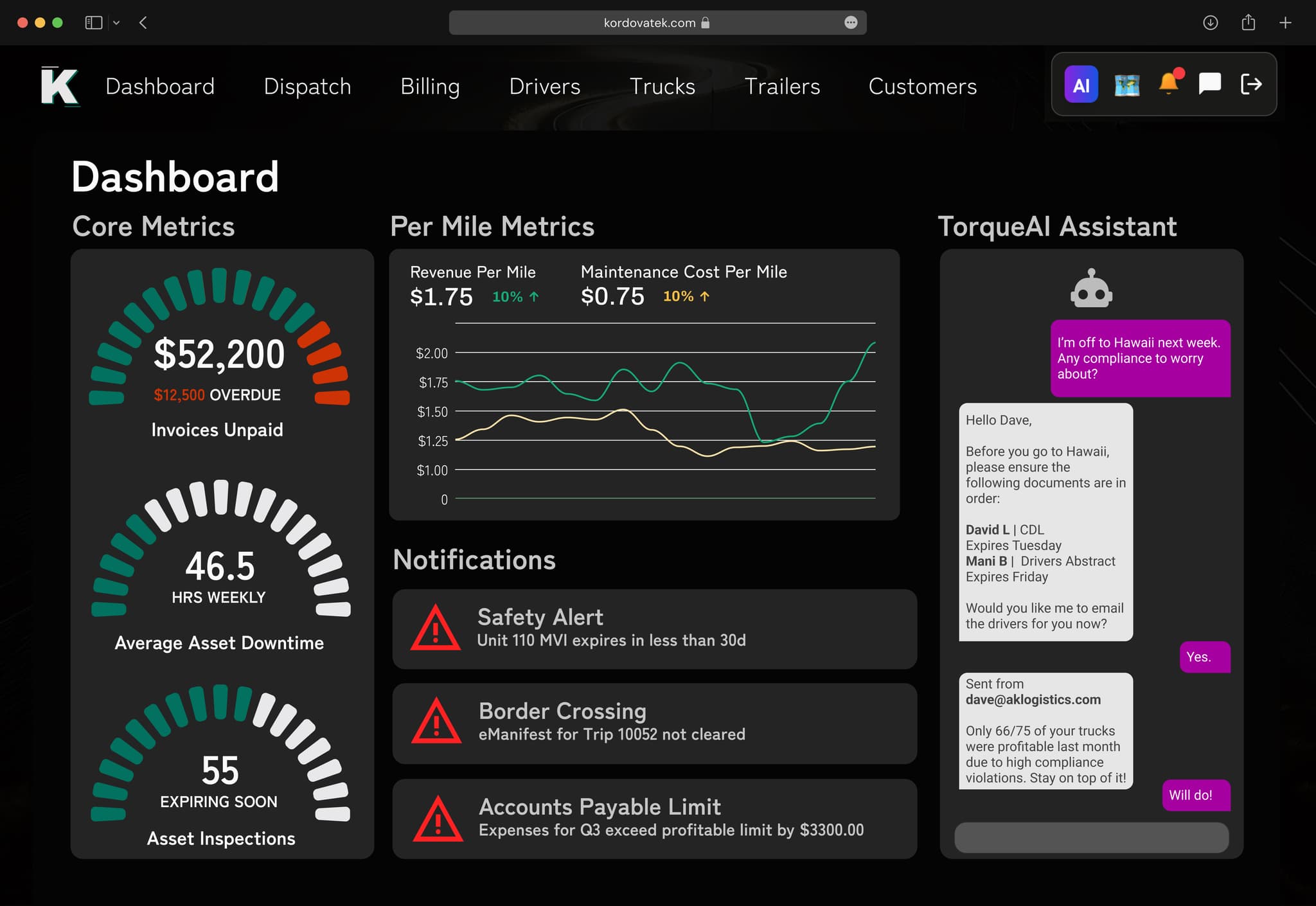
You get paid faster in trucking by sending a clean invoice, with the POD, on the day the load delivers. Payment terms do not start until the customer has that invoice. Every day you spend waiting on paperwork is a day added to your cash cycle. TorqueAI closes that gap by capturing the POD at the dock and building the invoice from the load automatically.
Where the days actually go
Most carriers think slow pay is the customer's fault. Some of it is. But a lot of the delay happens before the invoice ever leaves your office.
Here is a common timeline without a system:
- Day 0: Load delivers. The driver has the signed BOL (bill of lading) in the truck.
- Day 1–4: The driver is on the next load. You text asking for the POD. They forget.
- Day 5: A blurry photo comes through WhatsApp. One page is missing.
- Day 6: Someone types the load into QuickBooks, attaches the POD, and sends the invoice.
- Day 7: The invoice is uploaded to the factoring portal by hand.
That is a week lost before the customer even knows they owe you. Do that across 20 trucks and a lot of your money is sitting in a cab or an inbox.
Same-day invoicing, step by step
TorqueAI is built so the invoice is ready when the truck is empty.
- The load already has the numbers. The AI reads the rate confirmation when you book the load. Rate, accessorials, and reference numbers are already on file.
- The driver gets guided at delivery. The TorqueAI Driver app prompts the driver to take the POD photo before leaving the dock. It attaches to the load right away.
- Extra charges get captured. Lumper receipts and other expenses go in through the app at the same time, so they can be billed instead of eaten.
- The invoice builds itself. Rate, charges, references, and POD are pulled into the invoice. You review it, you do not type it.
- It goes out the same day. Send it to the customer, or submit it to your factoring company through the integration.
- Books update. The invoice syncs to QuickBooks Online or Desktop, or stays in TorqueAI's built-in accounting.
The billing person's job changes from "find the paperwork" to "check and send."
The billing cycle, before and after
| Step | Chasing paperwork | With TorqueAI |
|---|---|---|
| Getting the POD | Texts and calls for days | Driver submits in app at delivery |
| POD quality | Blurry, missing pages | App guides a clear photo |
| Lumper and extras | Receipts lost, charges skipped | Receipts captured at the dock |
| Building the invoice | Retyped from rate con | Built from the load automatically |
| Factoring | Manual upload to the portal | Sent through the factoring integration |
| Knowing what's unbilled | Someone checks a sheet | Delivered-but-not-invoiced list |
| Accounting | Re-entered in QuickBooks | Synced to QuickBooks or built-in books |
Factoring without the upload routine
Many small and mid-sized carriers factor their invoices to keep cash moving. That only helps if the invoice gets to the factor fast.
TorqueAI connects to factoring companies including RTS Factoring, Triumph, OTR Solutions, and eCapital. Invoices and PODs go to your factor from inside TorqueAI. No downloading, renaming, and uploading files one at a time.
If you do not factor, the same speed still matters. A customer on 30-day terms who gets your invoice on day 0 pays you a week sooner than one who gets it on day 7.
Fewer disputes, fewer short pays
Slow pay is often a dispute in disguise. A missing reference number, a wrong rate, or no lumper receipt gives the customer a reason to hold the invoice.
Because the invoice comes from the rate con and the POD, the numbers match what the customer agreed to. Because receipts are captured in the app, extra charges come with proof. And because customers got tracking links and delay updates during the trip, there are fewer "we didn't know it was late" arguments. For more on billing extras, read our guide on getting paid for detention time.
Who this is for, and who it is not for
A good fit:
- Carriers with 1 to 500+ trucks who bill many loads a week
- Fleets that factor and are tired of manual uploads
- Owners whose cash flow swings because invoicing runs behind
- Teams where one person does billing on top of other jobs
Maybe not a fit:
- A single-truck operator with one dedicated customer who pays on a fixed schedule. A simple invoicing tool may be enough.
What switching looks like
- Fast start: Most fleets are up and running within 24 hours. Our team handles setup, data migration, and training.
- Connected from day one: We link your factoring company, QuickBooks, ELD, and fuel cards. TorqueAI has 100+ integrations.
- Driver rollout: We walk your drivers through the app so PODs start coming in the right way on their next delivery.
- No lock-in: Your data stays yours, with a full export in standard formats any time.
Faster billing also makes the next step easier. Once loads are invoiced on time, driver settlements can run automatically from the same data. To see how it all fits together, visit TorqueAI, or read our deeper guide on automating freight billing and PODs.
Last updated November 6, 2026