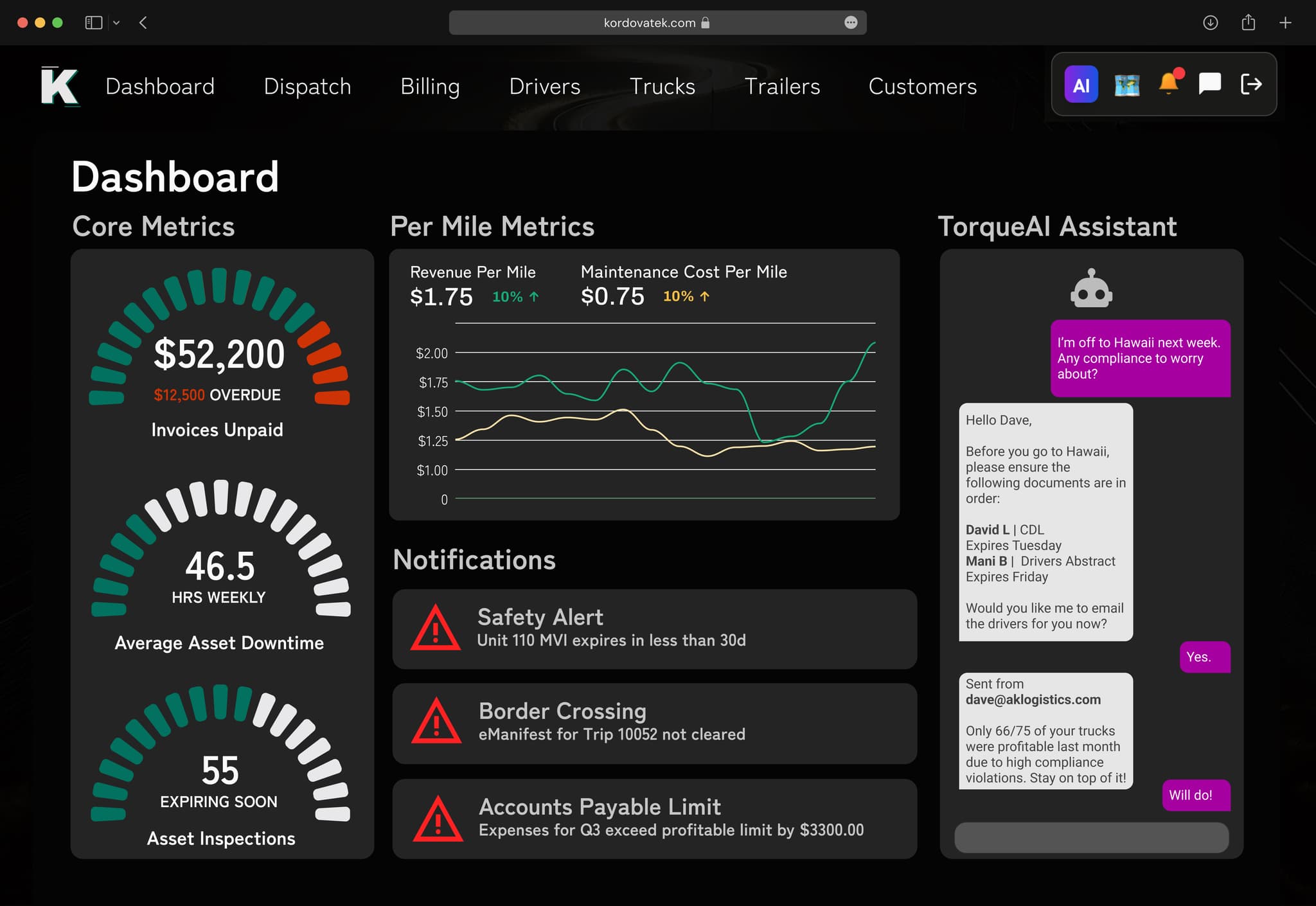
Yes — TorqueAI integrates with Compass Payment Services. Your Compass Payment Services fuel transactions come into TorqueAI and land on the right truck, driver, and payroll, so nobody has to retype a fuel statement again.
What syncs between Compass Payment Services and TorqueAI
| Data | Direction | What it means for you |
|---|---|---|
| Fuel transactions and statements | Compass Payment Services → TorqueAI | Every fill-up comes in without anyone typing it. |
| Fuel expenses by truck and driver | Inside TorqueAI | Costs are sorted to the right truck and driver for you, ready for accounting. |
| Driver fuel deductions | TorqueAI → payroll | Owner-operator and driver deductions show up on settlements correctly. |
| Fuel gallons/litres by state or province | Compass Payment Services → TorqueAI | IFTA fuel totals are ready when the quarter ends. |
How setup works
- Give TorqueAI access to your Compass Payment Services transactions or statements. Our team helps with the connection.
- Match each fuel card to a truck and driver.
- Choose which charges should be driver deductions. After that, each new statement comes in without retyping.
Why fleets connect Compass Payment Services to TorqueAI
No more data entry — Stop typing fuel statements into spreadsheets. The numbers come in on their own.
Know your cost per mile — See fuel spend next to miles driven for each truck, so you can spot problems.
Fewer payroll mistakes — Fuel advances and deductions are matched to the right driver every time.
Related integrations: Comdata, Mudflap, Petro Canada Fuel
Learn More
Frequently asked questions
Does TorqueAI integrate with Compass Payment Services?
Yes. TorqueAI brings in your Compass Payment Services fuel transactions and puts each cost on the right truck and driver.
What data syncs between Compass Payment Services and TorqueAI?
Fuel transactions and statements, costs by truck and driver, driver fuel deductions for payroll, and fuel bought by state or province for IFTA.
How long does it take to set up Compass Payment Services with TorqueAI?
Setup is usually quick. You give access to your Compass Payment Services statements, match cards to trucks and drivers, and our team checks the first import with you.
Do I need to switch from Compass Payment Services to use TorqueAI?
No. Keep your Compass Payment Services cards. TorqueAI just reads the transactions so you do not have to enter them by hand.
Compass Payment Services
Fuel Card Integration
Connect Compass Payment Services to TorqueAI TMS to import fuel transactions, assign costs to each truck and driver, and push driver deductions into payroll.
How fleets use this with TorqueAI
Transform your freight operations today
With a system built for tomorrow's changing world.