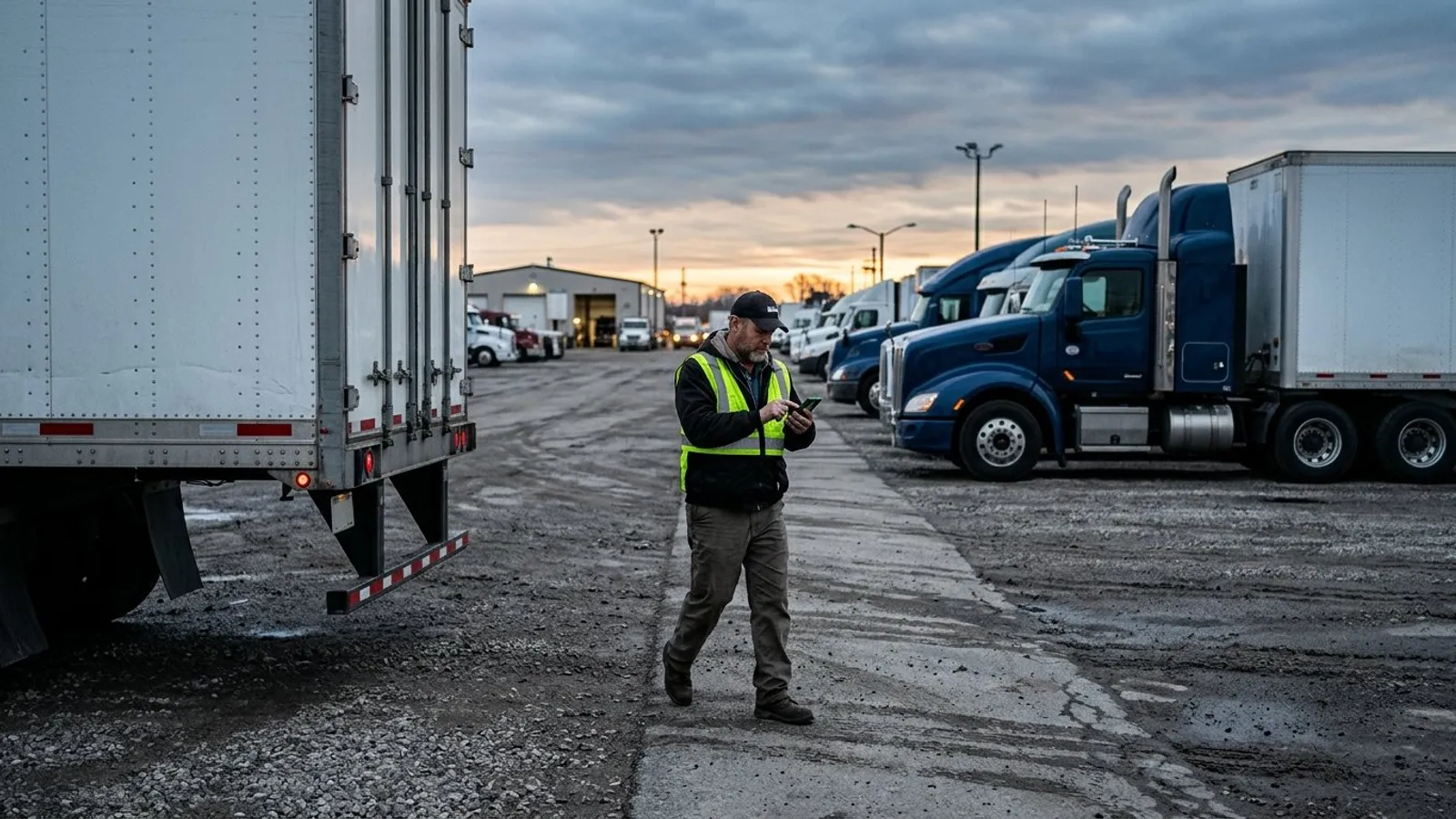
Moving dispatch off WhatsApp: a 30-day plan for small fleets
Give each week one job, run a short pilot, and you can move every load, document and driver chat off WhatsApp within a month.

Key points
- Week 1 maps every WhatsApp group and message type, then picks a tool and writes a one-page communication policy.
- Week 2 pilots the new app with two or three drivers and one dispatcher before anyone else moves.
- Move PODs and receipts first in week 3. Faster pay is the quickest way to win drivers over.
- FMCSA bans texting and hand-held phone use while driving a CMV, and fines carriers that allow or require it.
You can move dispatch off WhatsApp in about 30 days if each week has one clear job. Week 1 is for mapping and choosing a tool. Week 2 is a small pilot, week 3 moves every driver, and week 4 closes the old groups for good. The trick is to start with the work that gets you paid, PODs and receipts, so drivers feel the win in their very first settlement.
We've already covered why fleets are replacing WhatsApp with embedded messaging. This piece is the how. It's a day-by-day switch plan you can tape to the wall beside the dispatch board.
Why a plan beats "from Monday, use the new app"
Most switches don't fail because the new tool is bad. They fail because the owner announces it on a Friday and everyone keeps using WhatsApp on Monday out of habit. A driver sends a POD photo to the old group, a dispatcher answers it there, and now you have two systems instead of one.
A 30-day plan fixes that. Everyone knows the date the old groups go quiet. Drivers get a short trial before it counts. Dispatchers get time to learn the new screens before every load runs through them. And you get a clean finish line instead of a slow fade.
Week 1 (days 1–7): Map what WhatsApp is really doing
Days 1–2: List every group and every phone. Write down each WhatsApp group, who the admins are, and whose phone each one lives on. Note which phones are company phones and which are personal. Most fleets are surprised by the count. There's the main driver group, a group per dispatcher, a "night shift" group, a shop group, and a few one-on-one chats that carry real load details.
Day 3: Sort the messages into five buckets. Scroll back through one busy week and tag what you see:
- Load assignments (pickup, delivery, rate con details, reference numbers)
- Check calls and ETAs
- Documents (PODs, bills of lading, fuel and lumper receipts, trip sheets)
- Problems (breakdowns, detention, delays, rejected loads)
- Company notices (holidays, safety reminders, pay day)
Every bucket needs a new home. If one doesn't have one, that's where people will drift back to WhatsApp.
Days 4–5: Pick the tool. Here's the short list of must-haves:
- Messages tied to the load, not floating in one big chat
- Drivers can snap PODs and receipts in the app, and they land on the right load
- Accounts belong to the company, so you can switch off access in one click
- Full message history your team can search
- Documents flow into billing and payroll without retyping
TorqueAI Driver was built for exactly this. It walks drivers through PODs, expense receipts, trip sheets and compliance documents, and its two-way in-app messaging keeps conversations inside your company. It's set up for your fleet size and where you're headquartered, whether you run 2 trucks or 500+. Our guide to replacing WhatsApp for dispatch lays out what to compare.
Day 6: Write a one-page communication policy. Keep it short enough to read on a phone. It should say what goes where (loads and documents in the app, emergencies by phone call), who to contact after hours, how fast dispatch replies, and one firm safety line: no texting or holding the phone while the truck is moving. More on that below.
Day 7: Save what you need from WhatsApp. Use WhatsApp's export chat option to save the groups that hold load details for open or recent loads. Pull out driver phone numbers and emergency contacts. These exports are your bridge, not your new filing system.
Week 2 (days 8–14): Run a pilot with two or three drivers
Pick one dispatcher and two or three drivers. Choose one driver who loves new tech and one who's a little skeptical. If the skeptic is happy by day 14, everyone else will be easy.
For those drivers, every load runs through the new app only. Assign the load there. Do check calls there. Collect PODs there. If a pilot driver sends something on WhatsApp, the dispatcher replies with a friendly "Got it, can you drop that in the app so it lands on the load?"
Hold a 10-minute check-in every day. Ask three questions:
- Did every POD arrive the same day the load delivered?
- Did anyone have to ask for something twice?
- What was annoying?
Fix the annoying stuff now: notification settings, document types, who gets which alerts. Small problems in week 2 turn into big pushback in week 3 if you skip them.
Week 3 (days 15–21): Move everyone, documents first
Now roll it out to the whole fleet. Do the setup in person at the yard if you can, or on a quick video call. Each driver installs the app, logs in, and sends a test POD before they leave. Fifteen minutes each is plenty.
Start with documents, not chat. PODs and receipts are what turn a delivered load into an invoice, and an invoice into driver pay. When a driver sees their receipt picked up and reimbursed on the next settlement without a single reminder text, they're sold. Same-day PODs also let you invoice a load the day it delivers, which is good news for your cash flow.
Then move load assignments and check calls. By day 21, set your main WhatsApp groups so only admins can send messages. Pin a short note: "All loads, PODs and receipts now go in the app. For emergencies, call dispatch." The group stays readable, but the work has moved.
Week 4 (days 22–30): Close the groups and lock it in
Day 22: Dispatch the last load ever assigned on WhatsApp. Celebrate it a little. Seriously, post a truck emoji.
Days 23–27: Dispatchers stop answering work questions on WhatsApp. Every reply is the same friendly redirect to the app. Consistency matters more than anything else this week.
Day 28: Store your chat exports in a company folder. Remove ex-staff from any groups that still exist. Delete the work groups or turn them into purely social chats.
Day 30: Review the month. Check how many PODs came in the same day, how many loads had missing documents, and how many invoices went out within 24 hours of delivery. Write those numbers down. They're your new baseline.
Your 30-day switch checklist
| Week | Goal | Key tasks | You're done when |
|---|---|---|---|
| 1 (days 1–7) | Map and decide | List groups and phones, sort messages into 5 buckets, pick a tool, write a one-page policy, export key chats | Every message type has a new home and the policy is shared |
| 2 (days 8–14) | Pilot | 2–3 drivers and 1 dispatcher run every load in the app, daily 10-minute check-in | Pilot PODs arrive same day with no chasing |
| 3 (days 15–21) | Move everyone | Install and test with every driver, documents first, then loads and check calls, set groups to admin-only | Every driver has sent a real POD through the app |
| 4 (days 22–30) | Cut over | Last WhatsApp dispatch, friendly redirects, archive exports, remove ex-staff, review numbers | No work happens on WhatsApp and you have a baseline |
Phone rules to write into your policy
The switch is the perfect moment to put your phone safety rules in writing. Under FMCSA rules, drivers can't text or use a hand-held mobile phone while driving a commercial motor vehicle, and carriers can't allow or require it. When FMCSA adopted the hand-held phone rule in 2011, it set civil penalties of up to $2,750 for drivers and up to $11,000 for employers who don't make their drivers follow it. Those caps have gone up with inflation since then. The same rule also disqualifies drivers convicted of two or more hand-held violations within three years.
Canadian provinces have their own bans. In B.C., using a hand-held device while driving brings a $368 fine and 4 penalty points, as of November 2026. Ontario, Alberta and Manitoba have similar laws, so check your home province.
Here's the practical takeaway. Build your dispatch so nobody expects a reply from a moving truck. Send load details before the driver rolls. Ask for updates at stops. Use phone calls through a hands-free setup for anything urgent. A group chat that pings all day pulls drivers toward their screens. A load-based app that only asks for what's needed is easier on everyone.
When a dispatcher leaves, the history stays
This is the part owners feel most. On WhatsApp, a dispatcher's chats live on their phone. When they move on, months of load history, customer contacts and driver conversations can go with them. And unless someone remembers to remove them, they may still be sitting in your driver groups.
With a company-owned system, offboarding takes minutes. Switch off their login, reassign their open loads, and every message stays right on the load where the next person can find it.
There's a privacy side too. In Canada, PIPEDA covers employee information at federally regulated businesses, which the Privacy Commissioner says includes transportation companies. Its guide for businesses says personal information must be protected by appropriate safeguards. Driver licence photos and medical cards sent around group chats on personal phones are hard to square with that. It's also worth knowing that the WhatsApp Business App terms allow Meta to transfer and process information in the United States and other countries.
Common snags and quick fixes
"My phone is old." Check the app's phone requirements in week 1, not week 3. A basic smartphone is a small cost next to a missed POD.
Owner-operators and lease drivers. They use their own phones, so keep the ask simple: one app, work stuff only. Their personal chats stay theirs.
Brokers and shippers who still text. That's fine. Customers can reach you however they like. The rule is that anything about the load gets logged on the load.
A dispatcher who loves WhatsApp. Put them in the pilot. People defend what they helped build.
Good communication is also one of the biggest reasons drivers stay. If you want to go further after day 30, our small-fleet retention playbook picks up where this plan ends.
Questions readers ask
Can I use WhatsApp to dispatch truck drivers?+
You can, and lots of small fleets start that way. The trouble shows up as you grow. Load details, PODs and receipts get buried in group chats, the history sits on personal phones, and it walks out the door when a dispatcher or driver leaves. A driver communication app ties every message and document to the load and keeps it with your company.
How long does it take to move dispatch off WhatsApp?+
Most small fleets can do it in about 30 days. Spend week 1 mapping your groups and picking a tool, week 2 piloting with a few drivers, week 3 moving everyone, and week 4 closing the old groups. Running both side by side for more than a couple of weeks usually makes things messier, not safer.
What should a driver communication app for trucking have?+
Look for messaging tied to each load, POD and receipt capture from the driver's phone, and company-owned accounts you can switch off when someone leaves. It should also keep a full message history and feed documents straight into billing and payroll, so nobody types the same thing twice.
Is it legal for truck drivers to text dispatch while driving?+
No. FMCSA rules ban texting and holding a mobile phone while driving a commercial motor vehicle, and carriers can be fined for allowing or requiring it. Provinces have their own bans too. B.C., for example, fines drivers $368 plus 4 penalty points for using a hand-held device. Build your dispatch process so drivers reply at their next stop.
What happens to WhatsApp dispatch messages when a dispatcher quits?+
If the chats live on that dispatcher's personal phone, they usually leave with them. You lose load history, customer details and driver conversations, and the person may still be sitting in your groups. With a company-owned dispatch app, you switch off their login and every message stays on the load where your team can find it.